
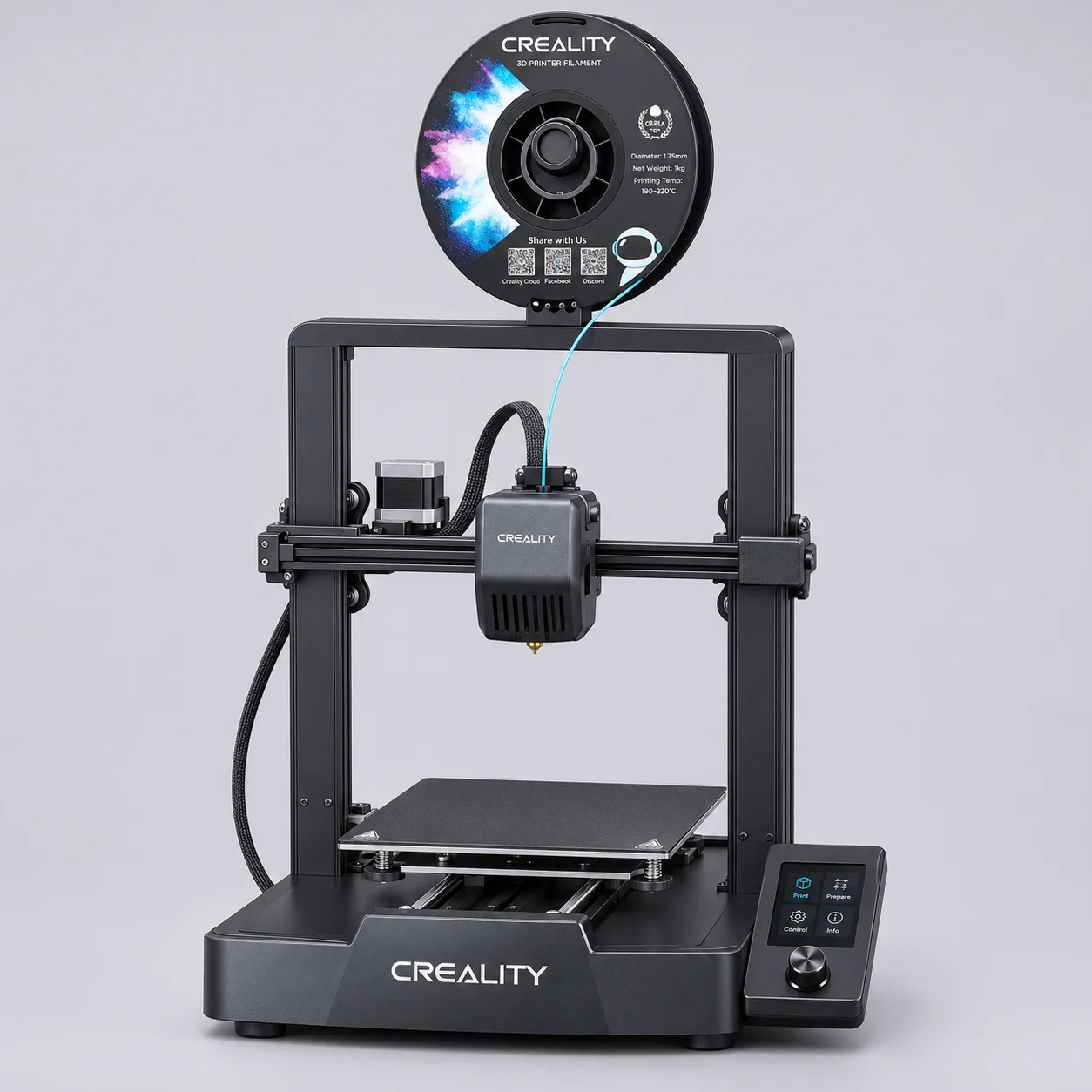
Identify the exact printer
The Ender-3 V3 SE is a desktop FDM machine. Creality lists a build volume of 220 × 220 × 250 mm, a 0.4 mm standard nozzle and a Sprite direct drive extruder. When comparing reseller offers, match the complete model suffix and request the carton label. Other Ender-3 V3 models may have different electronics, build surfaces and spare parts. The build volume also differs from the footprint needed on a workbench, particularly when the bed moves and the rear cable bends.
Evaluate first-layer setup
Creality describes CR Touch automatic leveling and automatic Z offset. Use the manufacturer’s setup instructions and run a first-layer test on the supplied surface. Inspect the result across the usable area, especially if you are evaluating a batch for resale or a multi-printer installation. If you change the plate or nozzle, confirm the appropriate setup procedure before repeating the test. Record the material, profile and surface used so another buyer can reproduce your sample check.
Compare speed under useful conditions
The manufacturer lists 180 mm/s typical printing speed and 250 mm/s maximum. A headline speed alone cannot tell a print farm how long a particular part will take. Use a representative model and the intended layer height, filament and slicing profile. Record print time, surface finish and first-layer result. If throughput is central to the purchase, compare several repeated prints before deciding how many machines to order.
Confirm US configuration
Request the exact power label and plug configuration on the quoted unit. Confirm whether the package contains the tools, removable printing surface, sample filament or other items that appear in a listing photo. Have the supplier identify the correct replacement nozzle and hotend assembly for the unit. For distributors, ask which documents accompany the batch and who handles a unit that arrives damaged or fails during initial setup.
Plan for replenishment and service
Separate the printer order from the list of consumables and service parts you expect to stock. A reseller may want one spare-parts assortment per group of machines, while a print farm may need repeat orders for the parts it replaces most often. Ask for itemized pricing and confirmed compatibility. Record the seller’s warranty responsibility and the information needed to report a failure, including the serial label and the condition of the packaging.
Build an itemized quote request
Give each model, variant or color its own line with the requested quantity. Include the destination ZIP, the intended use and any packaging requirements that affect the order. Identify which characteristics are mandatory and which can vary if the seller proposes an alternative. If you need both a sample and a bulk order, state the quantities separately. Ask for the quote to identify the exact configuration and the units used for pricing, such as per unit, per reel or per carton.
Compare quotes on the same basis
Keep a short comparison sheet with the quoted configuration, unit price, quantity per carton, packed dimensions, shipping terms and estimated lead time. Compare offers for the same delivery point and shipment scope. Ask which charges are included and which still need to be calculated. If the quoted item differs from the one you reviewed, have the seller list those differences explicitly. That gives your team a concrete basis for comparing the options before approving a purchase.
Document sample approval
Decide what you want to verify before ordering a sample. Record its label and revision, take photos of the parts or materials, and note the test conditions. Keep the supplier’s drawing or specification with the inspection record. When you place a purchase order, reference the approved configuration and agree how to handle any proposed substitution. Retain a copy of the carton label and the sample notes so receiving staff can compare the delivered lot with the approved item.
Agree on receiving and support
Ask who handles questions about fit and setup, and who is responsible for incorrect, damaged or defective goods. Confirm what evidence the seller needs and when a claim must be reported. At receiving, compare carton counts and labels with the order, photograph visible damage and check a representative unit against the approved sample. Save the paperwork and batch details together. If a problem affects only one variant or carton, this record helps you identify the affected units.
Prepare for a repeat order
Keep a record of the item description, exact variant, supplier reference and approved packaging. When replenishing stock, confirm whether any component, material, carton or labeling has changed. Ask for an updated sample or drawing when a change affects compatibility or what your customer receives. Compare the new quote with the previous order using the same units and delivery terms. This is especially useful when a single order contains several products, since changes can affect only one line.
Send the information that affects your decision
Use the inquiry to share your buying purpose and the specifications you need confirmed. For resale, identify which details your customers will rely on and ask for supporting documentation. For commercial use, explain the machine, material or workflow involved and the test you need to pass. Include any limits on carton size or delivery. You can reference a drawing, a photo or a previous order when it helps identify the requirement. Ask for unresolved items to be listed separately so you know what still needs checking.
Prepare the reseller listing
Before adding the item to your catalog, check that the product name, specification table, packaging photos and the order code all refer to the same revision. Use the measured or documented values for your listing. Include the most important fit limitation alongside the model name, so the buyer can check it without reading the full installation guide. Keep packaging information separate from the product measurements. If your sales team handles customer questions, give them the approved specification and a clear route for escalating a fit, supply or replacement question. When the listing is used by multiple sales channels, provide the same confirmed revision and dimensions to each channel so stock can be identified consistently. Ask the receiving team to verify the label on the first carton before shelving it. Keep a dated copy of the material you reviewed so it can be checked again when the next lot arrives.