
Ender-3 V3 SE Specs: Build Volume, Dimensions and Setup
The Creality Ender-3 V3 SE is an FDM printer with a 220 × 220 × 250 mm build volume, a 0.4 mm standard nozzle, and a Sprite direct-drive extruder. Creality lists the machine dimensions separately as 349 × 364 × 490 mm. Use the first set of numbers to assess the part you want to print, and the second as a starting point for planning the workbench. Measure the operating clearance on the actual setup before fitting an enclosure.
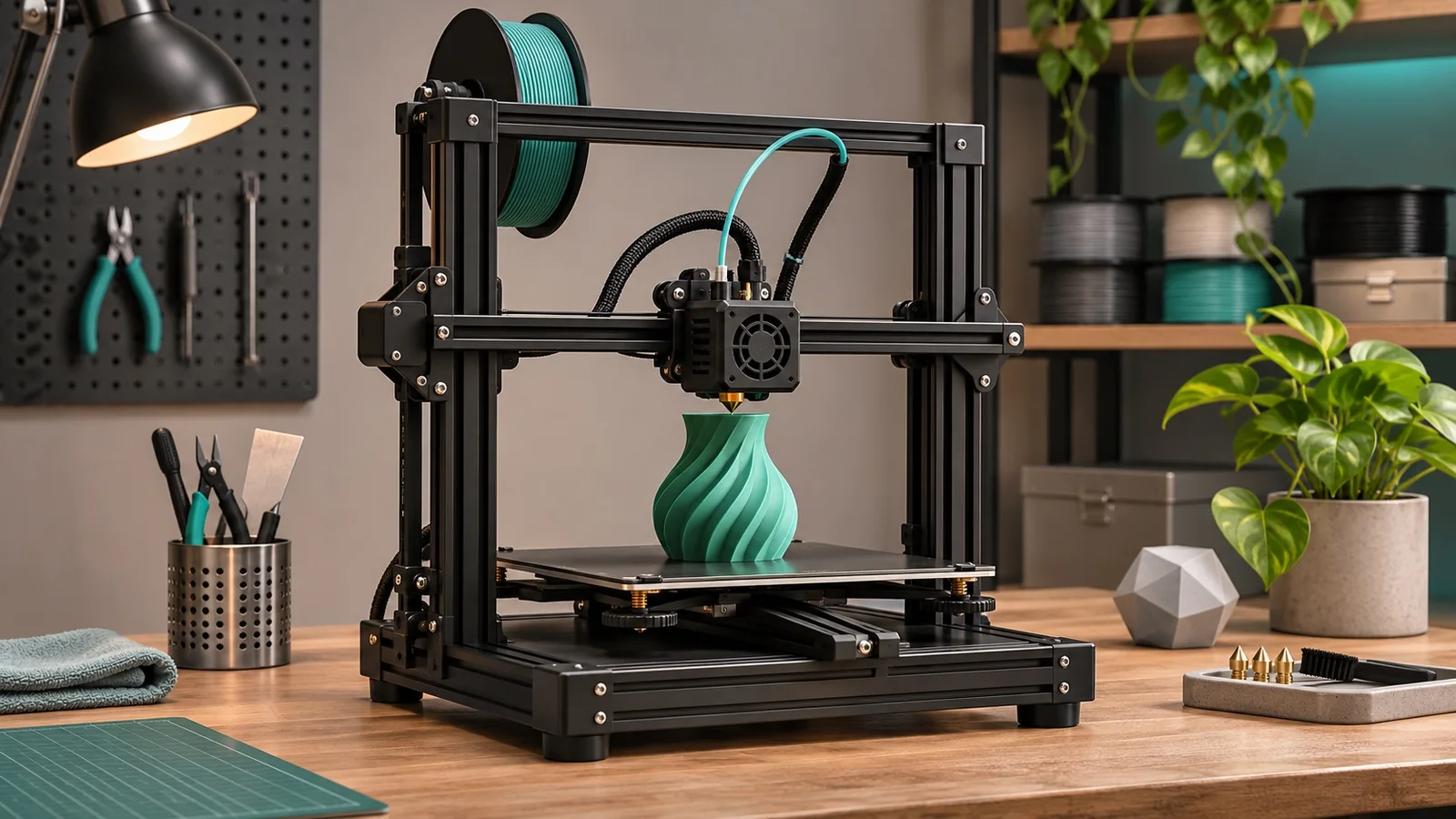
The Creality Ender-3 V3 SE is an FDM printer with a 220 × 220 × 250 mm build volume, a 0.4 mm standard nozzle, and a Sprite direct-drive extruder. Creality lists the machine dimensions separately as 349 × 364 × 490 mm. Use the first set of numbers to assess the part you want to print, and the second as a starting point for planning the workbench. Measure the operating clearance on the actual setup before fitting an enclosure.
Three terms to know
FDM means the printer melts a strand of plastic and builds the part layer by layer. Build volume is the space available for the part. Operating clearance is the room the whole printer needs while the bed, cables and spool are in use.
Ender-3 V3 SE specification table
| Specification | Manufacturer reference | What to check |
|---|---|---|
| Model | Ender-3 V3 SE | Match the full suffix on the machine and carton. |
| Printing method | FDM | It uses filament rather than liquid resin. |
| Build volume | 220 × 220 × 250 mm | Check the sliced footprint, including supports, skirt or brim where applicable. |
| Machine dimensions | 349 × 364 × 490 mm | Allow for bed travel, cable bends and spool access. |
| Standard nozzle | 0.4 mm | Verify the installed nozzle and replacement part number when ordering spares. |
| Layer height | 0.1–0.35 mm | Choose a layer height for the part and nozzle configuration. |
| Extruder and leveling | Sprite direct drive; CR Touch automatic leveling | Run a first-layer check on the delivered machine. |
| Build surface | PC spring steel | Confirm the supplied sheet before choosing a cleaning method or replacement. |
| Print speed | Typical 180 mm/s; maximum 250 mm/s | Compare throughput using the same model, profile and material. |
| Acceleration | Up to 2,500 mm/s² | Short paths may never reach the selected speed. |
| Temperature limits | Nozzle up to 260°C; bed up to 100°C | These are machine limits. Use the material profile for printing settings. |
| Listed materials | PLA, PETG and TPU 95A | Check the specific grade and run a sample. |
| Controls and file transfer | 3.2-inch color knob screen; SD card | Confirm the workflow you intend to use before buying multiple units. |
| Rated power | 350 W | Verify the delivered unit’s rating label, input configuration and plug. |
Sources: Creality product page, Creality SE/KE comparison, and manufacturer brochure hosted by Best Buy.
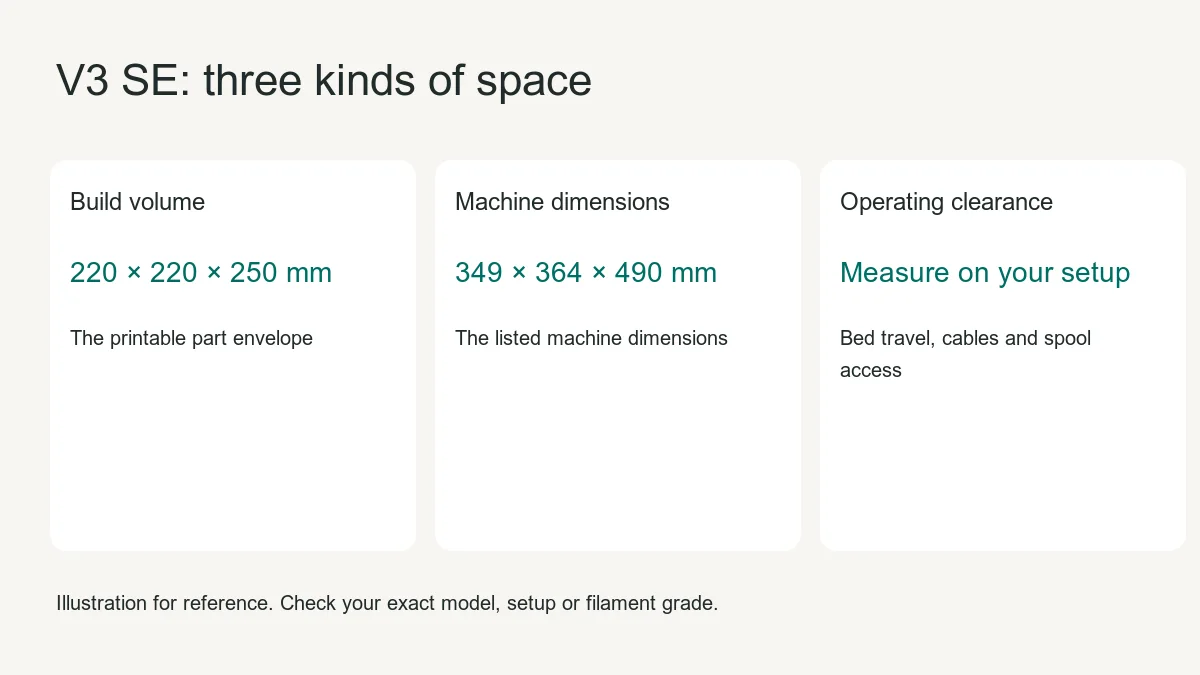
Build volume, machine dimensions and workbench clearance
First, slice a representative part using the V3 SE profile. Check the entire print envelope, including any brim or supports. A part whose nominal width equals the bed width can exceed the permitted area once those features are added.
Next, plan space around the moving machine. With the machine set up according to its manual, check the distance from the bed at its forward limit to the rear cable at its backward limit. Allow room to remove the plate, access the controls and route the power cord. Check spool height and the space needed to lift the reel off. If the machine goes in an enclosure, compare those measurements against the enclosure’s internal clear space and door opening.
How fast will it print my part?
Use the manufacturer’s typical and maximum speeds as reference points. For a realistic estimate, slice the part with the intended material, layer height, wall count and infill. Print a sample at the settings your team would actually run, then record both the elapsed time and the condition of the finished part. A repeatable result is more useful for planning fleet capacity than one maximum-speed number.
Confirm the SE before buying accessories or spares
The V3 SE and V3 KE share part of a model name. Creality lists different build heights, controls and file transfer options. Ask for a photo of the carton or machine label before specifying a replacement assembly. Match the spare part number or supplier drawing to that exact machine. The name “Ender-3 V3” alone leaves several configurations open.
Bulk purchasing and receiving checklist
- Before quoting, specify Ender-3 V3 SE, quantity and delivery ZIP. Ask for the exact US plug and power configuration, carton dimensions and an itemized box contents list.
- Before ordering, request a sample or confirm the inspection procedure. Ask who supplies replacement nozzles or hotend assemblies and who handles warranty claims and failures on arrival.
- At receiving, match the cartons to the purchase order, photograph visible shipping damage and record the serial label. Confirm the included parts before assembly.
- At sample acceptance, follow the manual, run leveling and inspect a short first-layer test. Record the filament, profile and result so the next unit can be checked on the same basis.
Plan a sample print before comparing suppliers
Choose a part your customers regularly print, such as a bracket with holes and a flat mounting face. Slice it on the SE profile and save the file, material grade, nozzle size and layer height. Record whether the entire sliced job fits, how long it takes and whether the holes and mating faces meet your acceptance criteria. For a reseller, include one photo of the setup and one of the finished part in the sample record. This gives your team a consistent way to compare two units without relying on a promotional speed figure.
Which specification answers which buying question?
Use build volume to screen the part size, external dimensions to shortlist a bench, and operating measurements to check an enclosure. Use the nozzle and material specifications to shortlist a print profile. Use the machine label and carton documentation to approve the delivered configuration. Treat each of these as a separate check. A printer can satisfy the build volume requirement and still need more room than the planned shelf allows.
Questions to resolve before a repeat order
Ask whether the quoted batch has the same model suffix, power configuration and accessories as the sample. Confirm who supplies service parts and what evidence is needed if a machine arrives damaged. Ask for carton dimensions and packed weights for the actual shipment. Compare delivered quotes only after confirming that each offer includes the same configuration and freight scope.
View the Ender-3 V3 SE product page · Read the first-layer and Z-offset guide